Default language for learners
| These features are only available for premium service level licenses (Free 25 user Premium (for Partners only) and Premium (purchased by customer), it is not available for free and standard service level licenses.) |

Administrators can set a default language for learners that are added to the system. This setting applies to the Learner interface as well as the training module content.
Learners can change this setting after they log in if they prefer to take the training in a different language.
Changing the default language for learners
1.) Select Settings from the navigation menu, then click on the Branding sub-menu item:
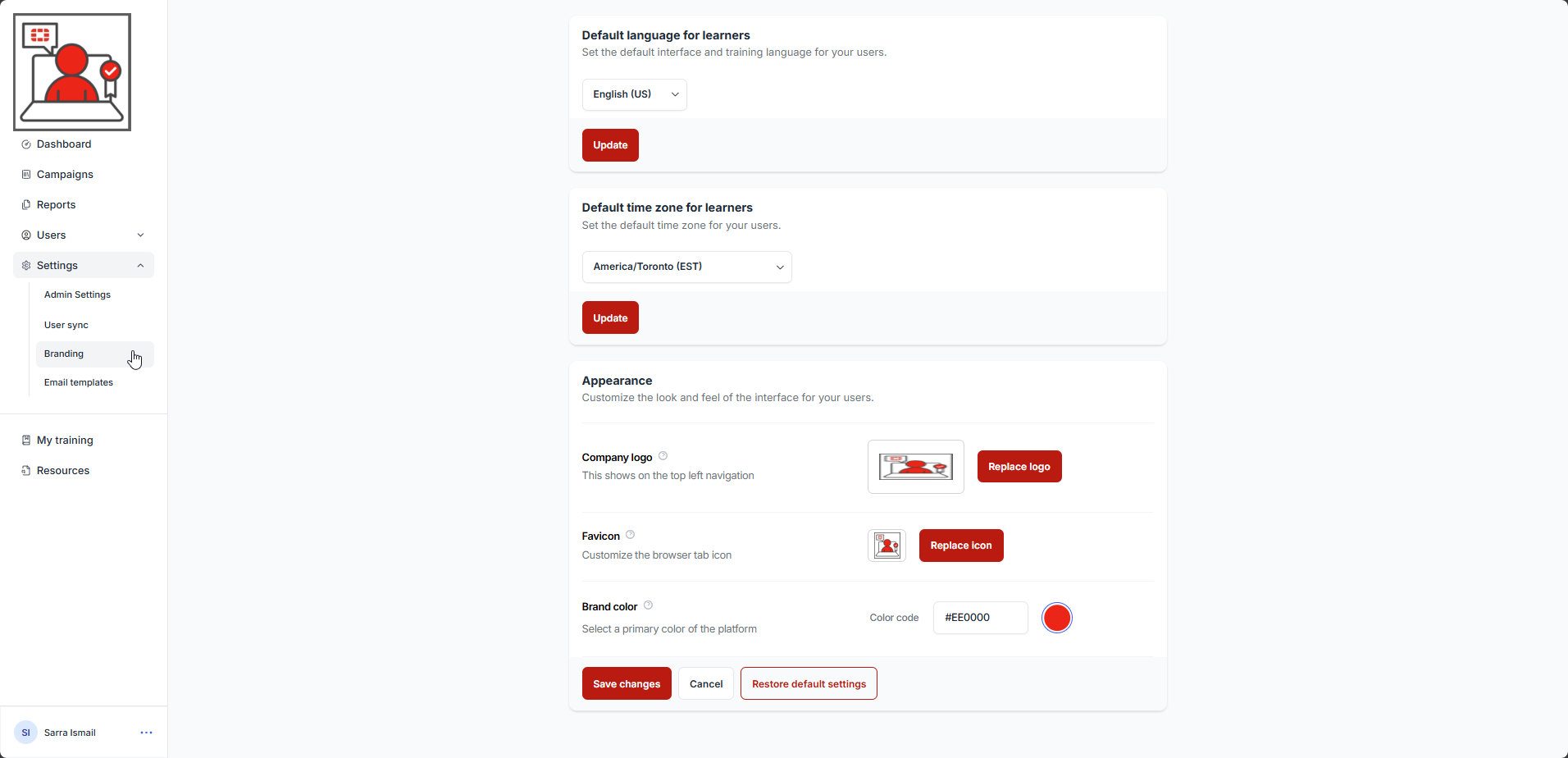
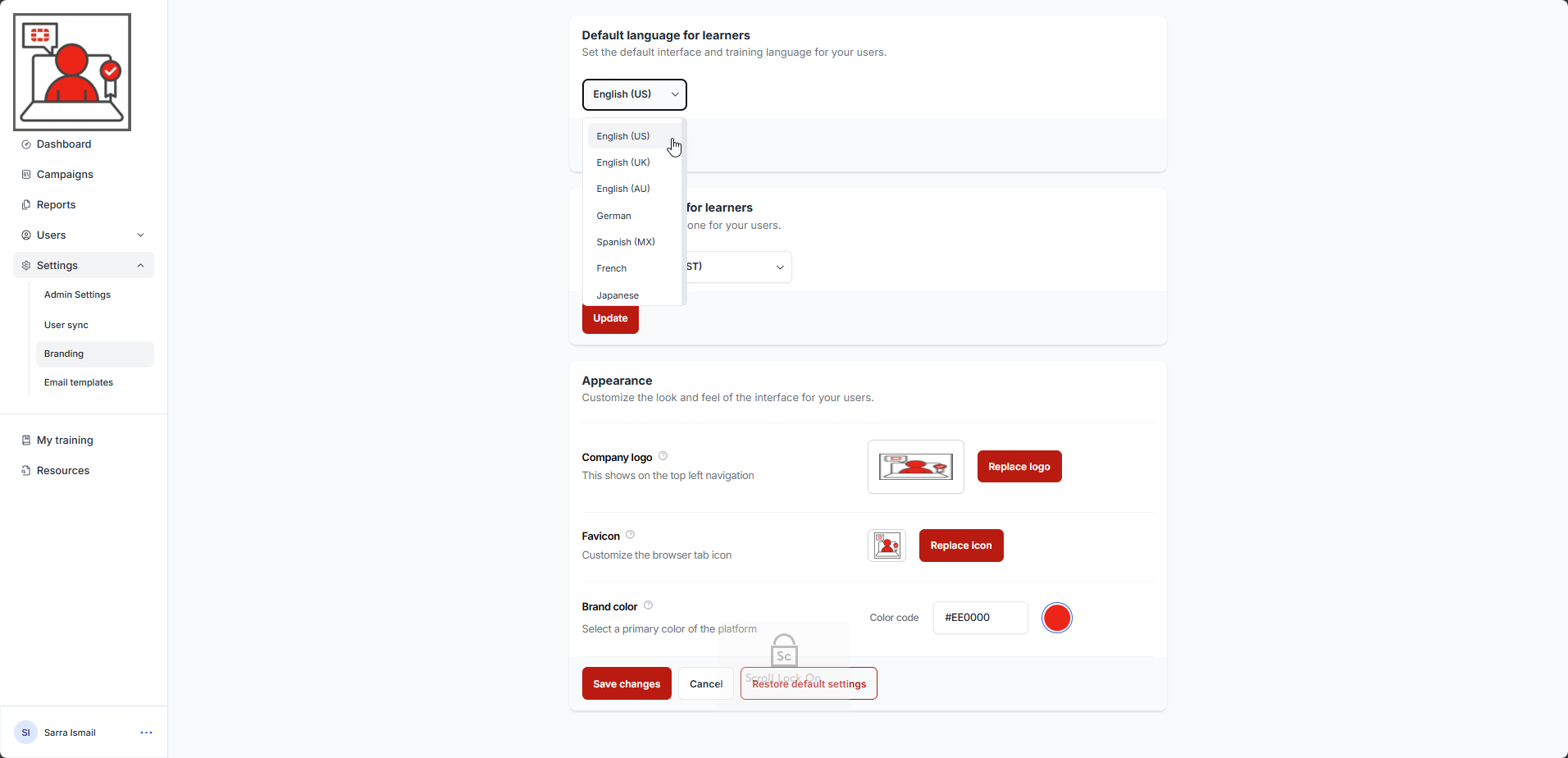
3.) Set the desired default language for learners by selecting the language drop down in the Default language for learners section:
4.) Click the Update button:
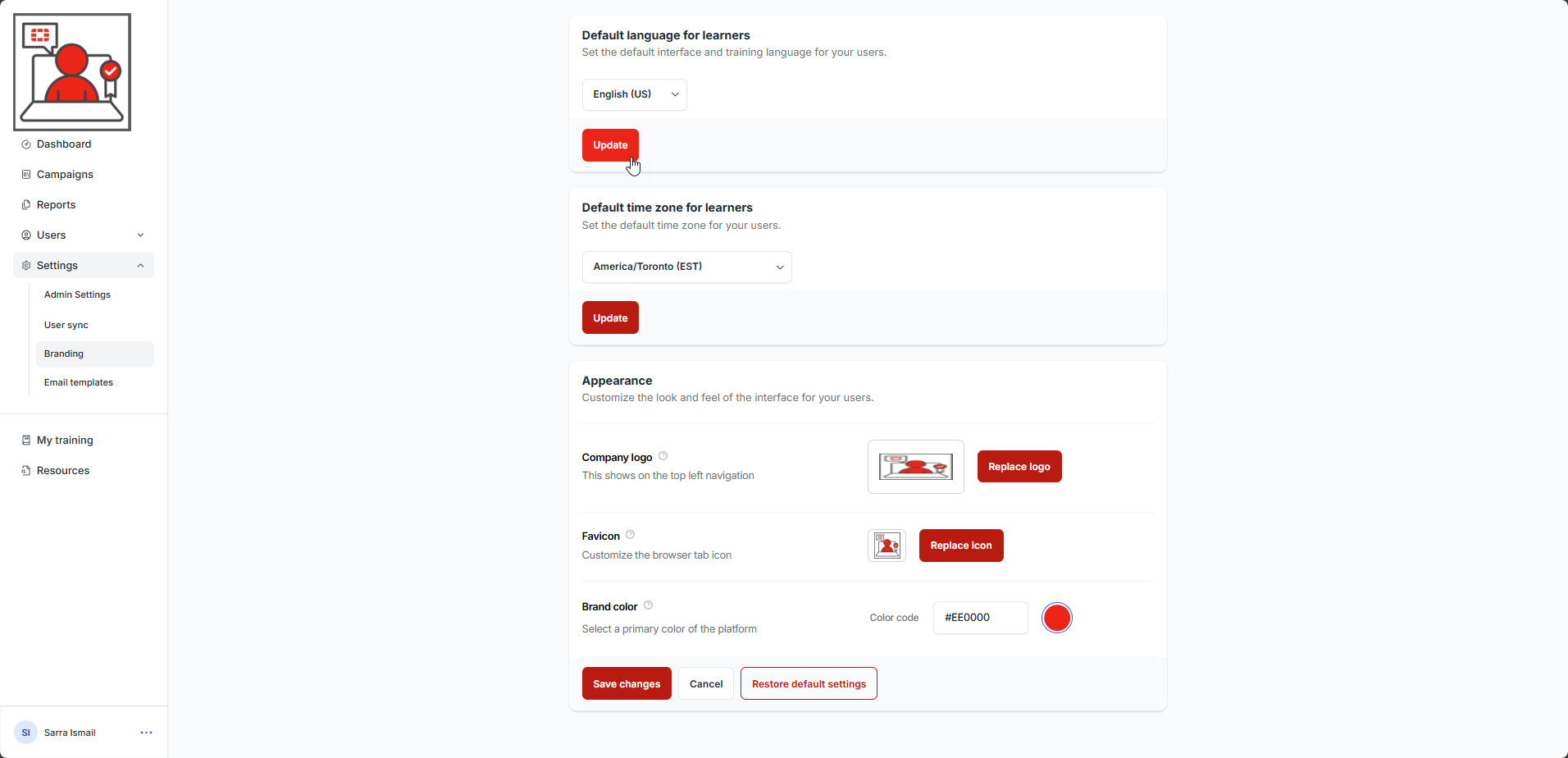
A confirmation message is displayed.
Was this article helpful?
That’s Great!
Thank you for your feedback
Sorry! We couldn't be helpful
Thank you for your feedback
Feedback sent
We appreciate your effort and will try to fix the article