Accessing the Branding Settings
| These features are only available for premium service level licenses. They are not available for free 25 user and standard service level licenses.) |

1.) Select Settings from the navigation menu, then click on the Branding sub-menu item:
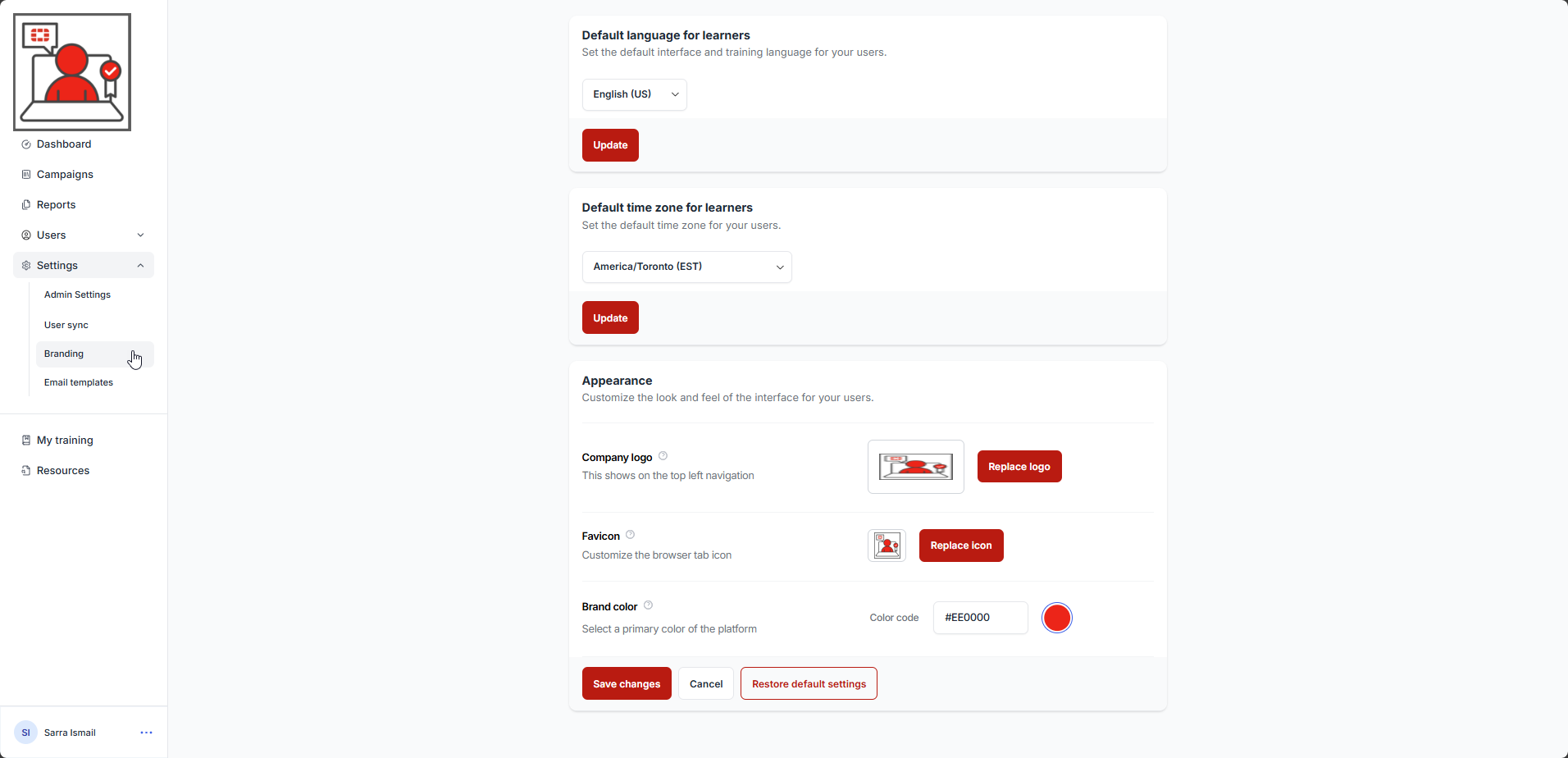
Here are the instructions for each setting:
Default time zone for learners
Changing the Favicon (favorite icon)
Was this article helpful?
That’s Great!
Thank you for your feedback
Sorry! We couldn't be helpful
Thank you for your feedback
Feedback sent
We appreciate your effort and will try to fix the article