The favicon dictates the icon that will be presented in each of the Fortinet Security Awareness and Training Service browser tabs.
1.) From the Settings navigation menu item, select the Branding sub-menu item:
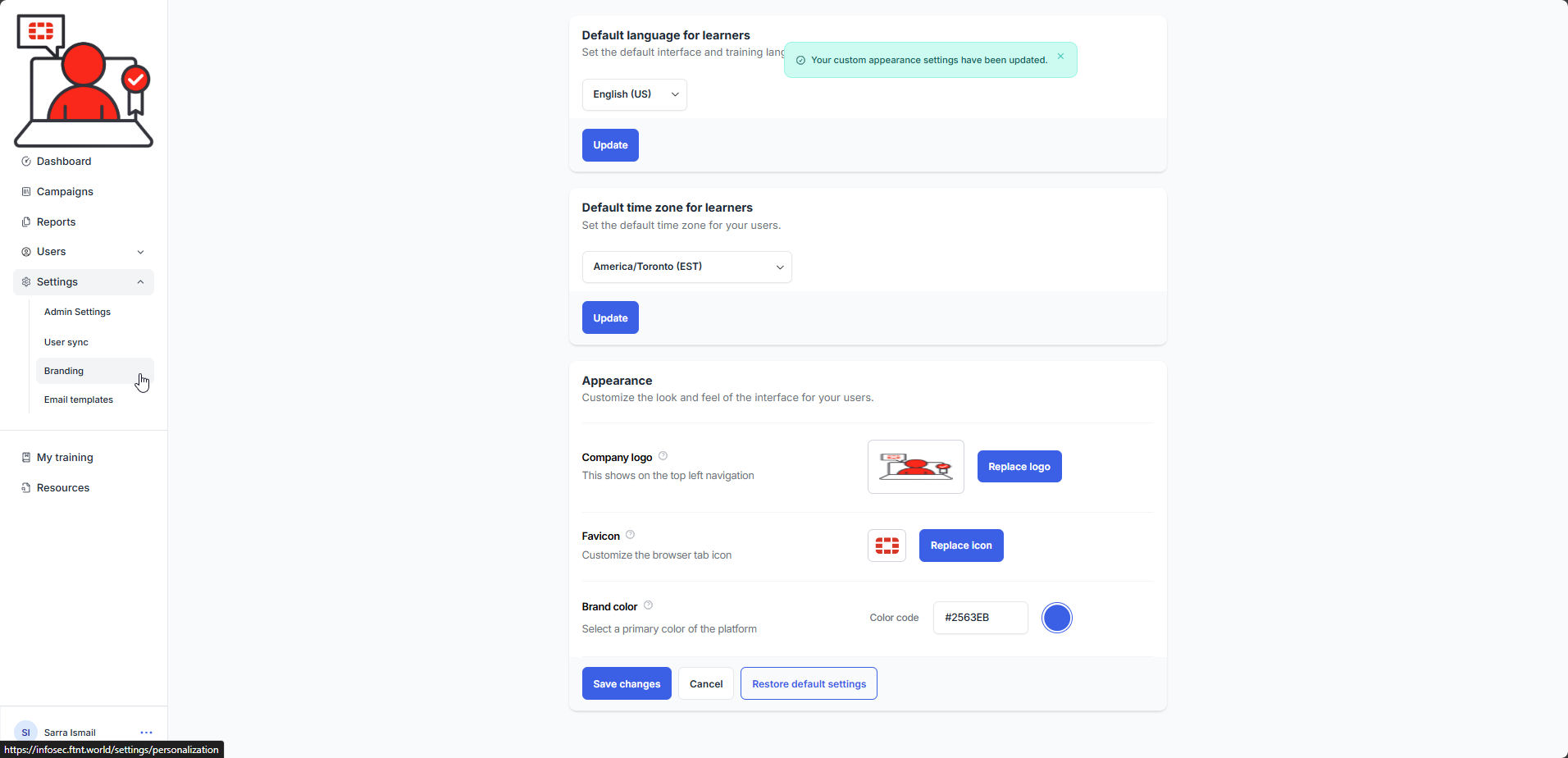
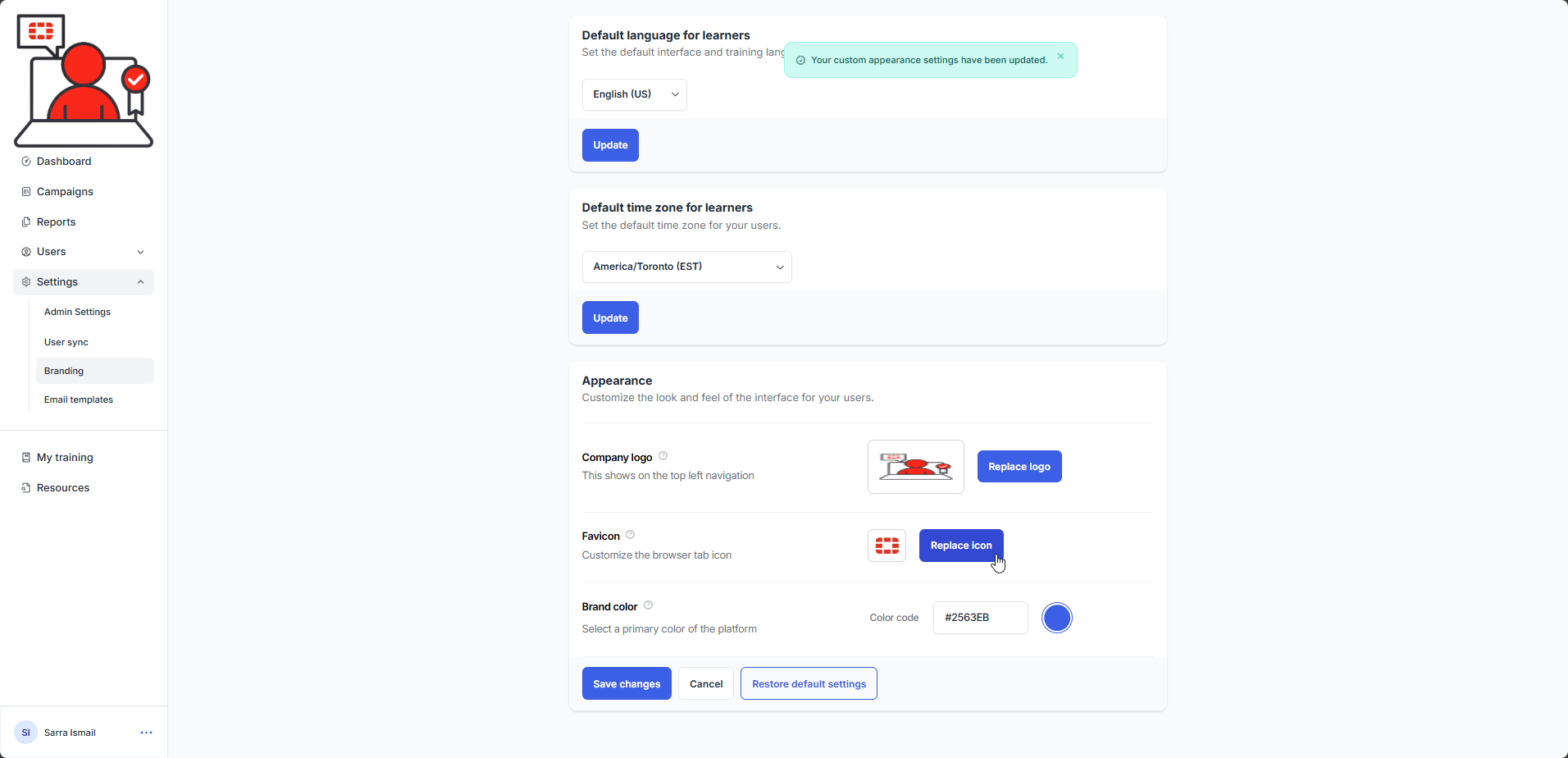
2.) Scroll down to the Appearance section and click on the Replace icon button:
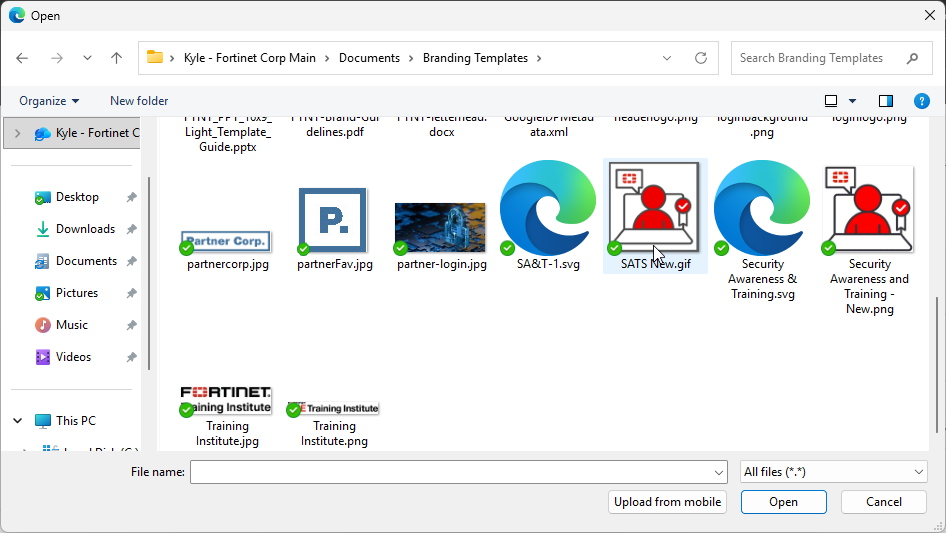
3.) Browse and select the file you would like to use as your favicon.
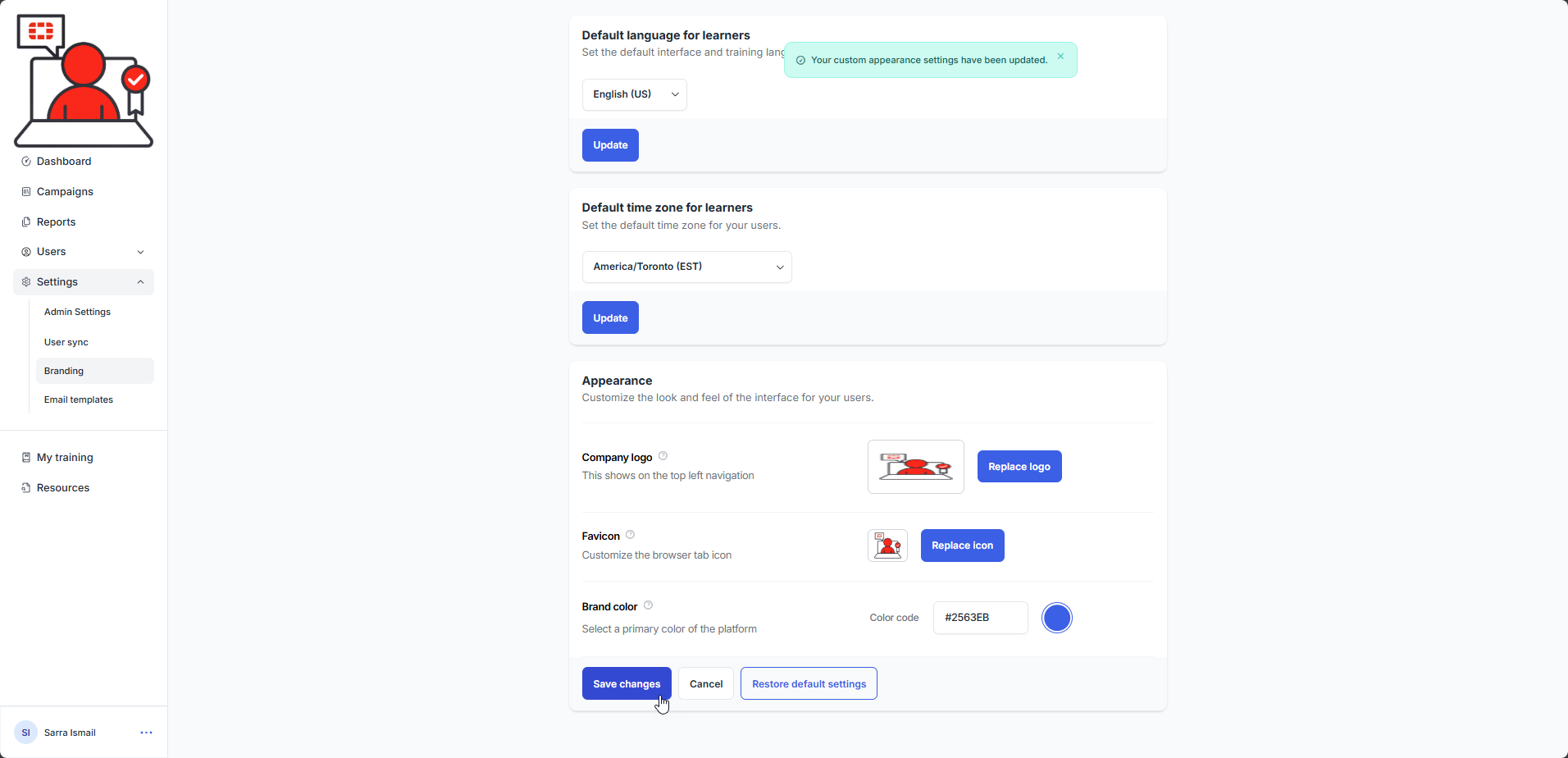
4). Select the Save changes button. The favicon logo is updated and a confirmation message is displayed:
Was this article helpful?
That’s Great!
Thank you for your feedback
Sorry! We couldn't be helpful
Thank you for your feedback
Feedback sent
We appreciate your effort and will try to fix the article