Please follow these steps when decommissioning your Security Awareness and Training Service Tenant:
STEP 1: Retrieve all campaign and module completion data for your organization
1.) Log in to the service using the associated FortiCloud (master user) account: https://app.training.fortinet.com
This is the FortiCloud account that was used to enter the service contract / license and initialize the service. If you have forgotten your password, you will need to use the password reset link. If you still cannot access your account, you should send an email to cs@fortinet.com (from the email in question) requesting assistance recovering your account.
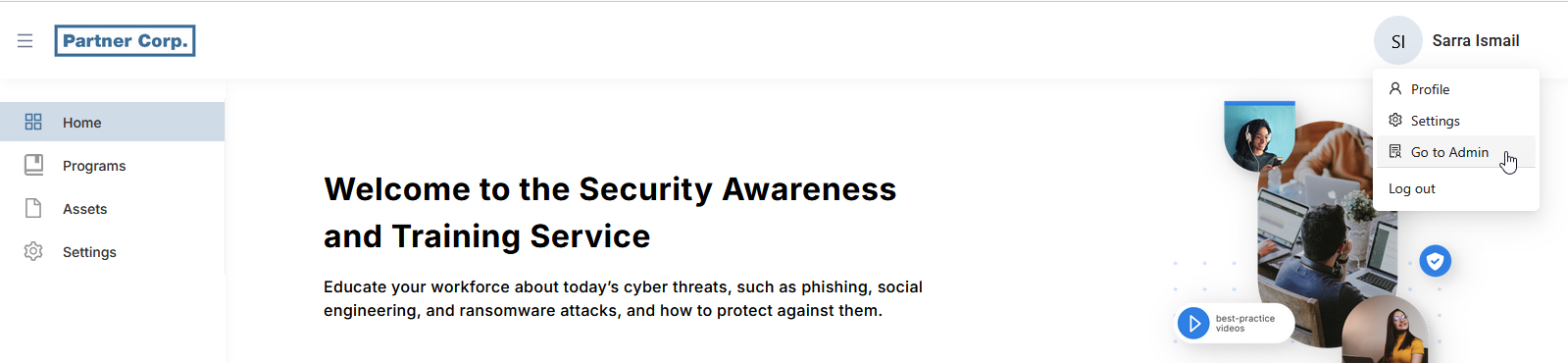
2.) If you are not in the Admin console, select your name / avatar in the upper right hand corder of the browser window and select Go to Admin:
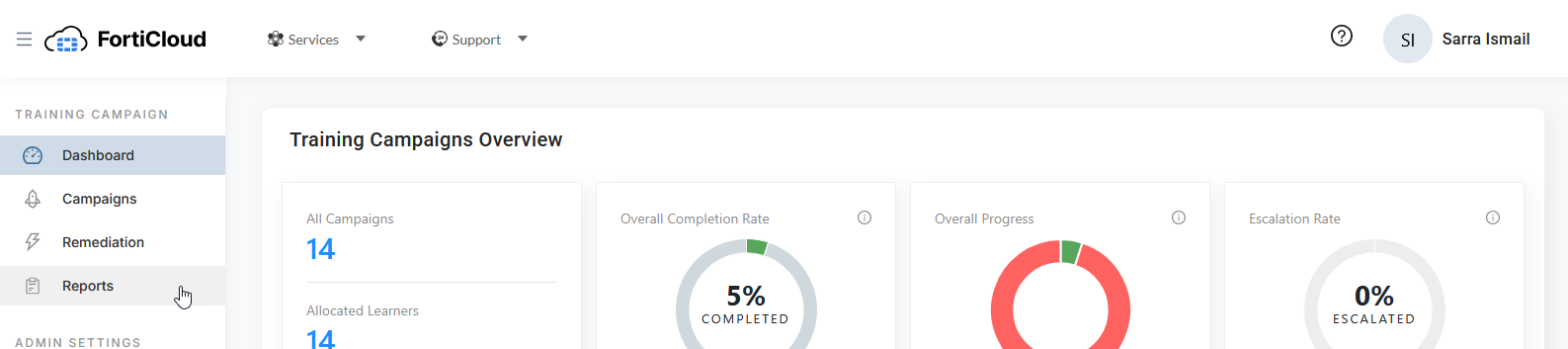
3.) Select Reports from the navigation menu on the left hand side of the brower window:
Was this article helpful?
That’s Great!
Thank you for your feedback
Sorry! We couldn't be helpful
Thank you for your feedback
Feedback sent
We appreciate your effort and will try to fix the article